Job Search & Recruiters
ATS and LinkedIn: how to get found by recruiting filters
Before a human recruiter sees your application, an automated system has already evaluated it.
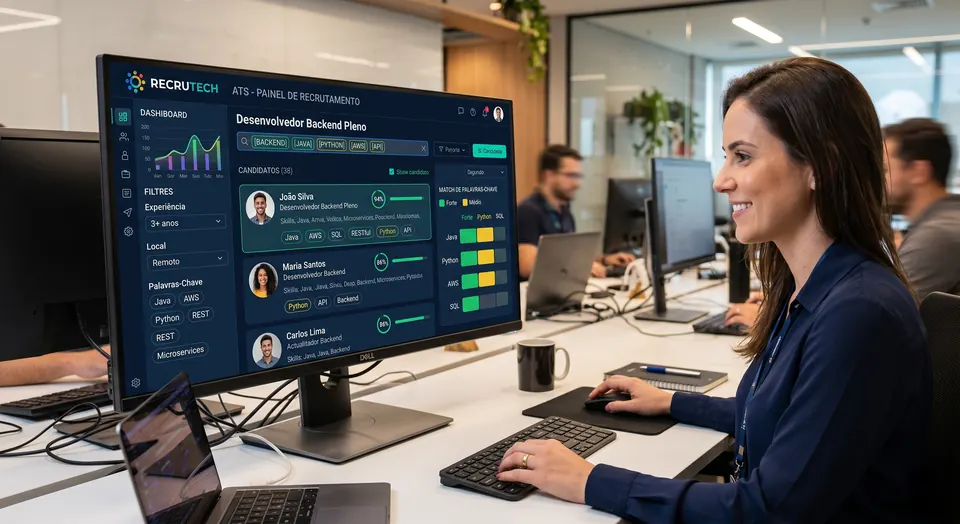
Large companies receive hundreds of applications per opening and use automated systems, known as ATS (applicant tracking systems), to screen candidates before anyone reads them. These systems scan resumes and profiles for specific words and criteria. If you don't speak their language, you can be filtered out without a person ever seeing your application.
How automated filters think
An ATS looks for matches between what the job asks for and what your materials show: job titles, skills, tools, education. It reads keywords and patterns, with little of the context a human would pick up. A qualified candidate who describes their experience in different terms from the job posting may simply go unnoticed.
How to improve your match
- Use the exact terms of your field and of the job, without inventing new names
- Include the skills and tools employers actually search for
- Keep job titles recognizable instead of overly creative
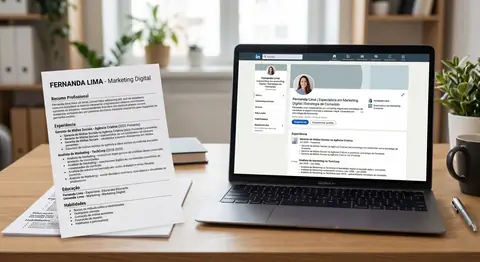
- Keep your resume and LinkedIn profile consistent, since recruiters often compare them
- Avoid heavy graphic elements that confuse automated reading
LinkedIn has its own filters too
Recruiter search inside LinkedIn works in a similar way: it filters profiles by keywords and criteria. That is why optimizing your profile with the right terms helps in company systems and also when recruiters search the platform directly. Same principle, two channels.
Getting through the filters is fair play: it simply makes sure the software recognizes your real qualifications before a human ever sees them. Speaking the systems' language is what puts your talent in front of the people who decide.