LinkedIn keywords: how to show up in recruiter and client searches
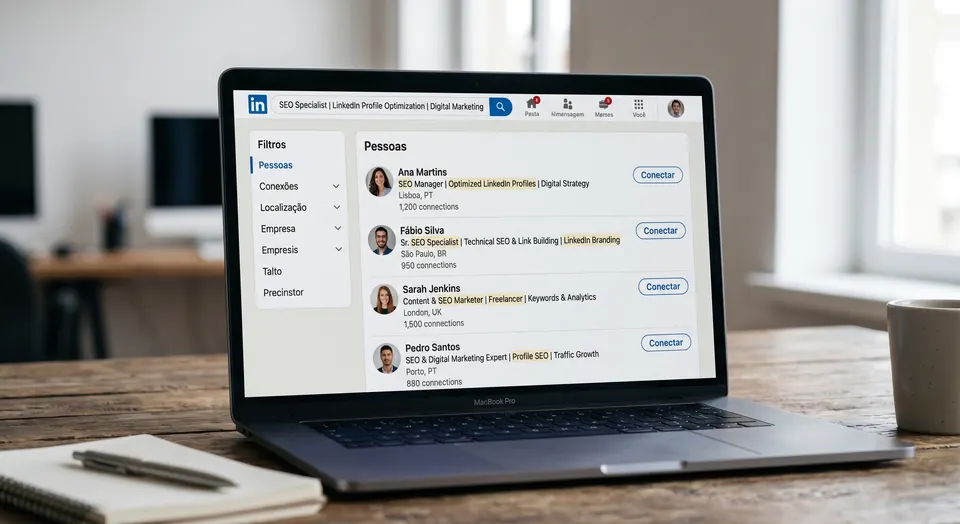
Recruiters and clients find people on LinkedIn through search.
2 min read · By the LinkedVix team · Updated
LinkedIn is, in large part, a giant people search engine. Recruiters type job titles and skills, clients look for specialists, and partners search for someone who can solve a specific problem. In every case, the system shows the profiles whose words match the search. Without the right words, you are left out.
Recruiters and clients find people on LinkedIn through search. If your profile lacks the right words, you are invisible to the people looking for exactly what you do.
Your profile is indexed, like a website
Just as Google finds pages by the words they contain, LinkedIn finds profiles by the terms in their sections. Your headline, About, job titles and skills are all read by the system. If you describe your role in vague or overly creative terms, you miss the chance to appear for the common term people search for in your field.
Where to place your keywords
Headline: the highest-weight spot, with your main terms
About section: woven naturally through the text
Job titles and experience descriptions
Skills section, with the most searched abilities in your field
Always naturally, without stuffing terms artificially
Think like the person searching for you
The key is to flip your perspective: what words would a recruiter or client type to find someone like you? Those are the terms your profile needs. Excellent professionals often stay invisible simply because they describe their work with words nobody searches for.
Keyword optimization is a legitimate practice with nothing tricky about it. It makes sure your profile speaks the same language as the people looking for what you offer. That is the difference between being available and being findable.
LinkedIn search works much like a search engine: it matches the words in your headline, About, job titles and skills to what people type. If your profile uses terms nobody searches for, you are unlikely to appear.
Frequently asked questions
Where do keywords matter most on a LinkedIn profile?
Your headline carries the most weight, followed by your About section, job titles, experience descriptions and skills. Use the terms people in your field actually search for, and keep them natural.
How do I find the right keywords for my profile?
Look at job postings and profiles of people in roles you want, and note the words that repeat. Think about what a recruiter or client would type to find you, and favor common terms over creative ones.
Can I use too many keywords?
Yes. Stuffing terms into your profile makes it hard to read and can look spammy to the people who visit it. Aim for clear, natural text that includes your main terms where they fit.
Can someone review the keywords in my profile for me?
Yes. The LinkedVix Premium Profile Review is an expert written report on your public profile, delivered by email within 48 hours. It includes a section-by-section diagnosis, prioritized fixes and rewrite suggestions focused on your goal, such as being found by recruiters or clients.